
Are you looking for a powerful, no-code website builder that gives you complete control over design, content, and performance all in one platform? 👨🏻💻
If yes, you’re in the right place. ✅


Exclusive Webflow Deal – Get Upto 50% OFF! 🎉
Build stunning, high-performing websites with Webflow and save big! Enjoy up to 50% OFF on plans packed with visual design tools, CMS, SEO features, and AI assistance. Don’t miss this limited-time offer!
In this Webflow review, I’ll walk you through my personal experience using Webflow to build and manage websites from design freedom to AI-powered tools and CMS flexibility.
I also use Webflow myself, and in this review, I’ll share what I love, what to watch out for, and how it helps create high‑converting websites for startups, marketers, and growing businesses.
🌐 Webflow at a Glance
A modern, no-code website builder and CMS platform that empowers teams to design, build, and scale high-performance web experiences.
Rated: 4.6/5 based on user reviews and industry feedback.
- Visual, no-code builder with full design control and responsiveness.
- AI Site Builder, built-in CMS, SEO tools, and hosting in one platform.
- Ideal for designers, marketers, startups, and enterprise teams.
- Supports real-time collaboration and scalable web architecture.
- Backed by strong security, fast performance, and clean UX.
What Is Webflow? 👩🏻💻
Webflow is a no-code website builder that lets you design, build, and launch websites visually without writing a single line of code.
It’s more than just a drag-and-drop builder. Webflow gives you full control over layout, animations, content, and SEO, making it a powerful tool for designers, marketers, and developers alike.
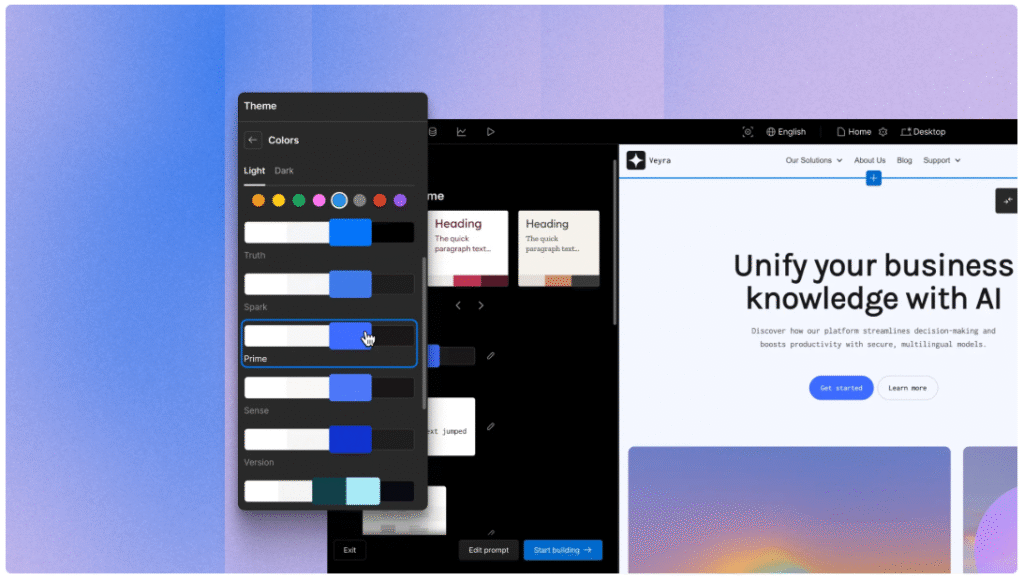
You can start with a template, use their AI Site Builder, or create everything from scratch. It also includes a built-in CMS (Content Management System), so you can manage blog posts, landing pages, or product listings easily.
With Webflow, you don’t need to rely on a developer for every small change. You can build professional, responsive websites faster and still keep full design freedom.
#8 Core Features of Webflow ✨
1. No-Code Visual Designer
Webflow lets you design websites visually, giving you full control over layout, fonts, and animations without writing code.
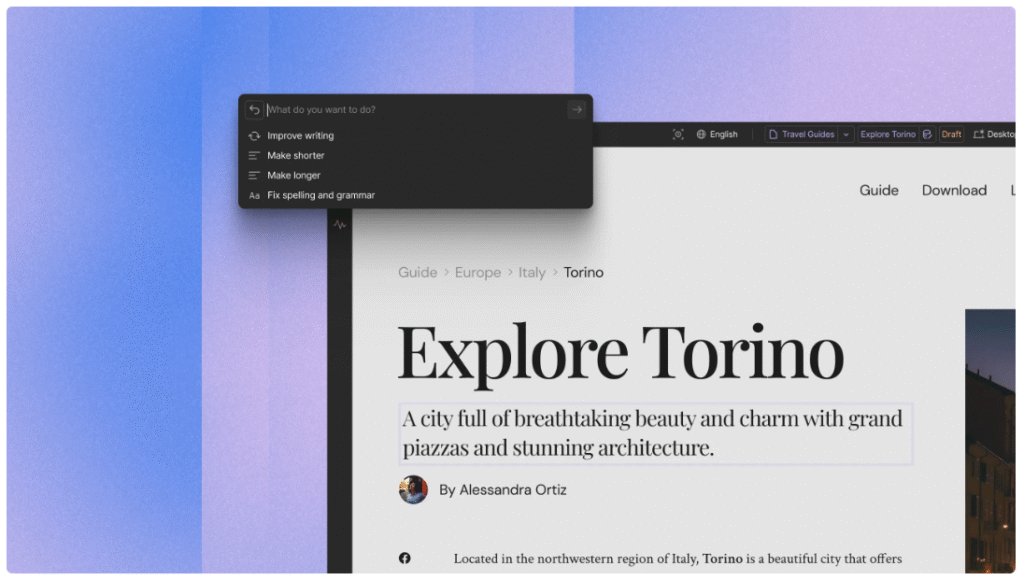
It’s ideal for designers who want to build fully responsive sites that look and feel custom-built.
2. AI Site Builder
The AI-powered site builder helps you quickly generate a website layout by simply describing what you need.
It’s perfect for beginners or busy marketers who want a fast starting point without hiring a developer.
3. Built-in CMS (Content Management System)
Webflow’s CMS lets you manage dynamic content like blogs, portfolios, or team pages with ease.
You can update or add new items without touching the design or structure of your website.
4. SEO & AEO Optimization Tools
Webflow includes built-in SEO features like custom meta titles, alt text, and schema markup. It also supports AEO (Answer Engine Optimization), helping your site show up in both search engines and AI-generated answers.
5. Hosting & Security Included
Webflow offers fast and secure hosting with free SSL, automatic backups, and scalable infrastructure.

You don’t need to manage separate hosting or worry about performance during high-traffic periods.
6. Responsive Design Control
You can easily customize how your site looks on desktop, tablet, and mobile within Webflow.
It gives you precise control over layout and styling to ensure your website looks great on all devices.
7. Collaboration & Version Control
Webflow allows team collaboration with roles, permissions, and real-time commenting.
It also provides version history and rollback features, which makes it safe to test new changes without breaking the site.
8. Integrations & Ecommerce
Webflow connects with popular tools like Zapier, Mailchimp, and Google Analytics. It also supports built-in ecommerce, letting you sell products, manage orders, and customize your checkout experience all in one place.
How To Get Started With Webflow? (Step-by-Step)
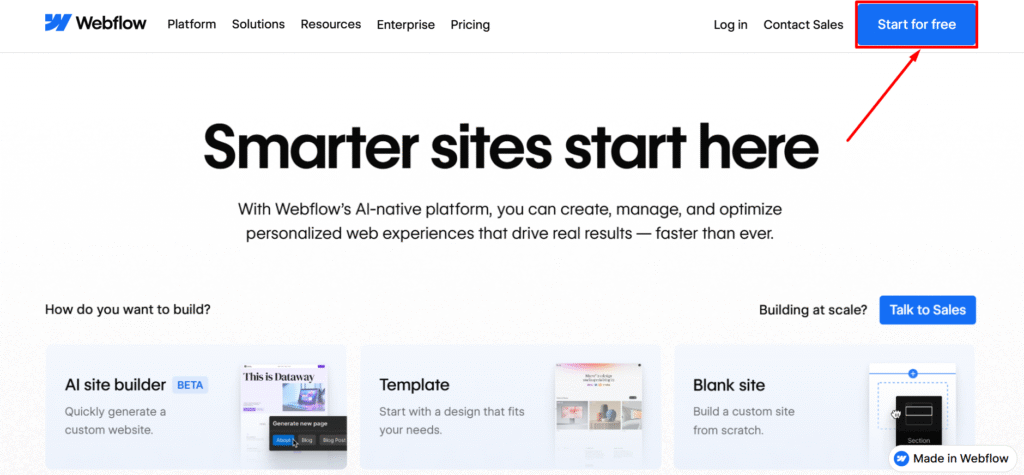
Step 1: Go to official website of Webflow and click on “Start for free”.
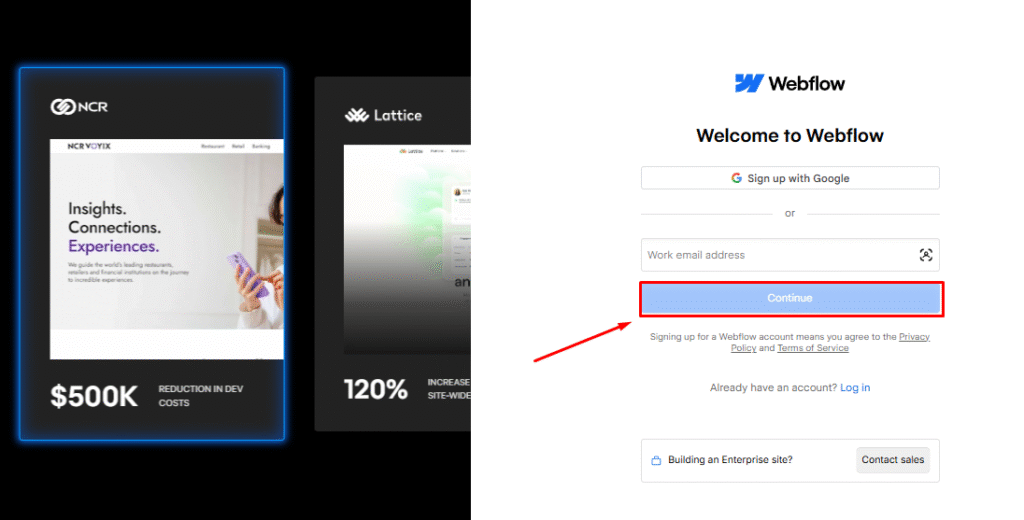
Step 2: Now create your Webflow account. Enter your email address and click on “Continue”.
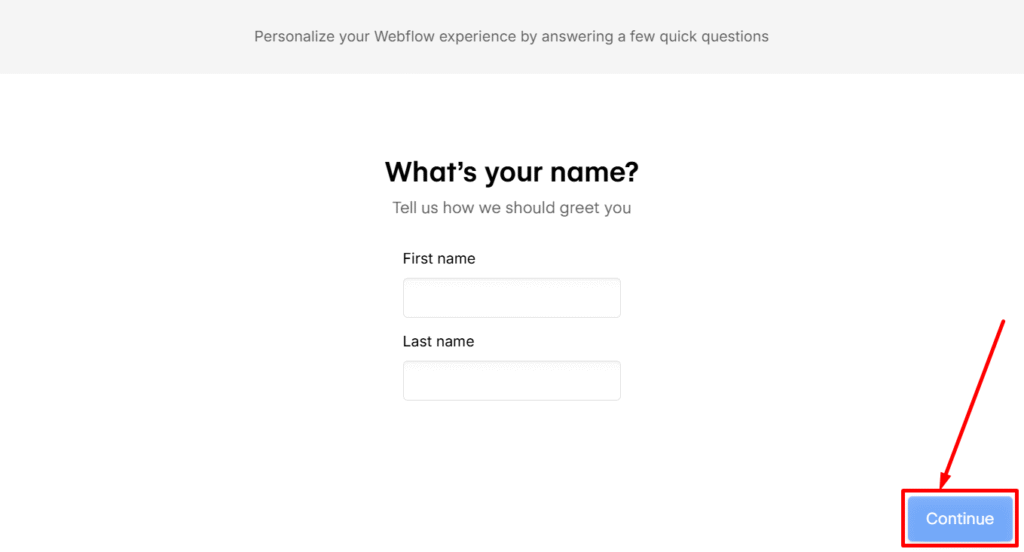
Step 3: Now add your personal details like first name and last name and click on “Continue”.
Step 4: Now select who do you want to build websites for? After that click on “Continue”.
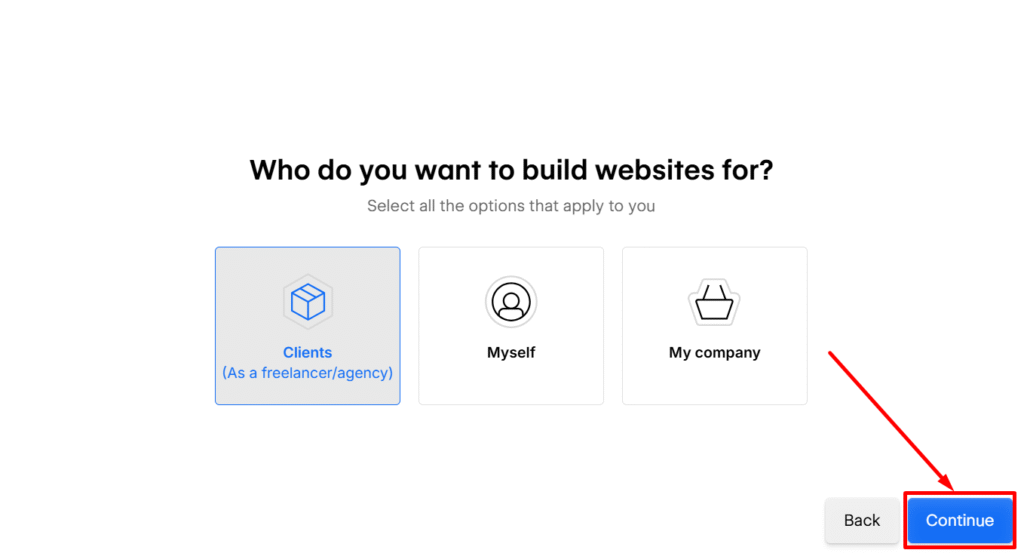
Step 5: Finally, you are ready to craete your new site with AI in a short time.
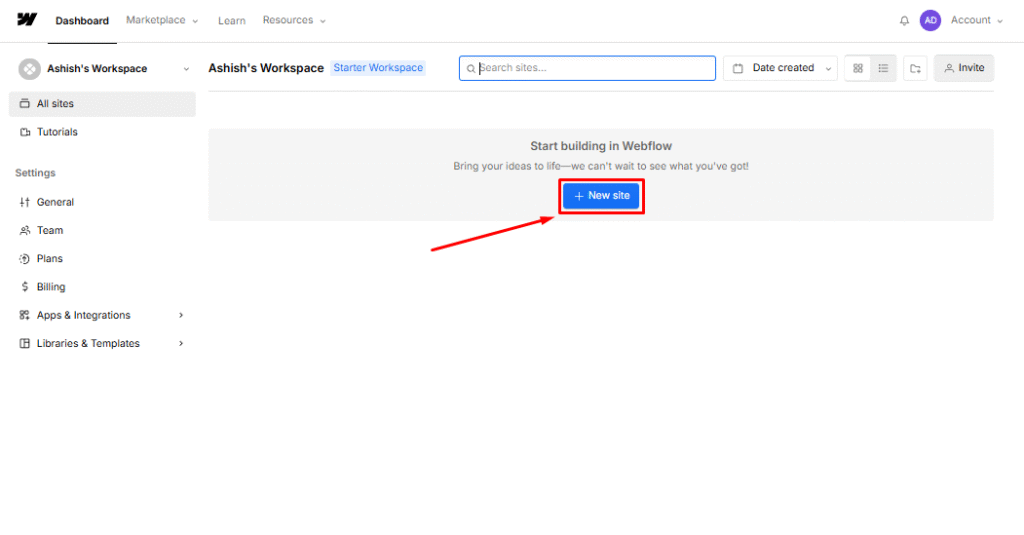
You are all set! Build your site now with Webflow!
Pricing Plans of Webflow 💰
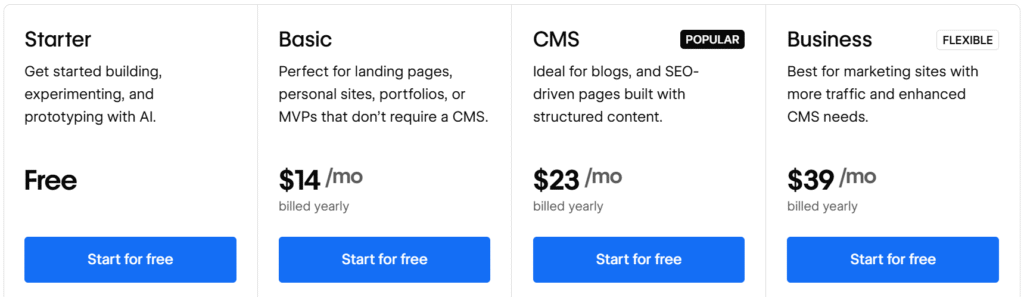
- Starter (Free): Best for experimenting and prototyping with Webflow AI on a Webflow.io domain with 2 pages.
- Basic ($14/mo): Great for personal sites or landing pages without CMS, includes custom domain and 150 pages.
- CMS ($23/mo): Ideal for blogs and content-rich sites, includes CMS support with 2,000 items and 50GB bandwidth.
- Business ($39/mo): Built for high-traffic marketing sites, offers more CMS items, 100GB bandwidth, and advanced features.
- Enterprise (Custom): Designed for large-scale, high-traffic websites needing enterprise-level security, support, and scalability.
Why Webflow? What Makes It Special? 💻
Webflow stands out not just because of what it offers, but how it empowers users to build for the web without traditional barriers. It bridges the gap between design and development, allowing teams to move faster and collaborate more effectively.
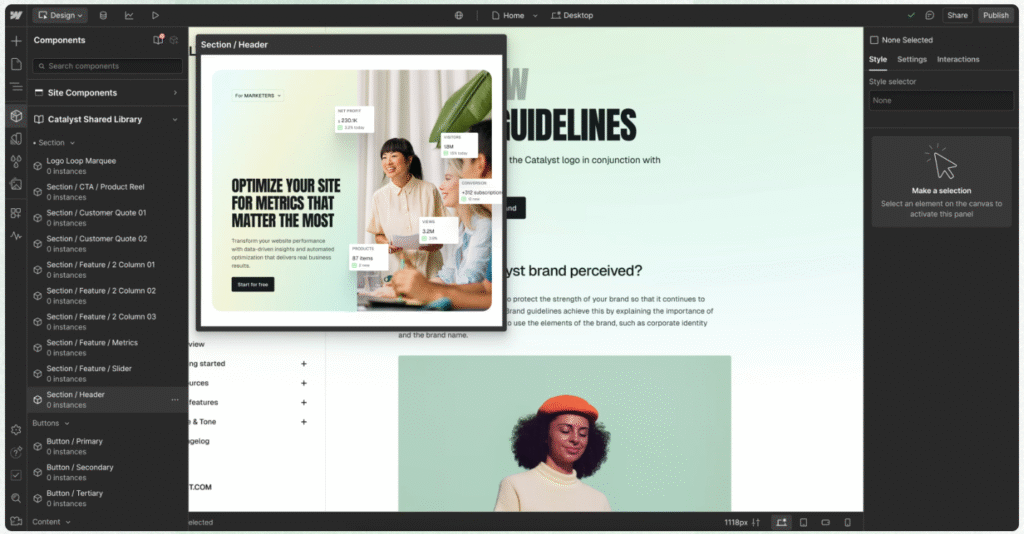
One of the biggest reasons to choose Webflow is the freedom it gives creators. You’re not locked into templates or reliant on developers for every update. Whether you’re building a simple landing page or a complex marketing site, Webflow provides the flexibility to scale as your needs grow.
For businesses, Webflow helps reduce overhead by eliminating the need for separate tools, costly engineering time, or third-party hosting. It also enables marketing teams to take ownership of the website, leading to faster launches and more control over the brand experience.
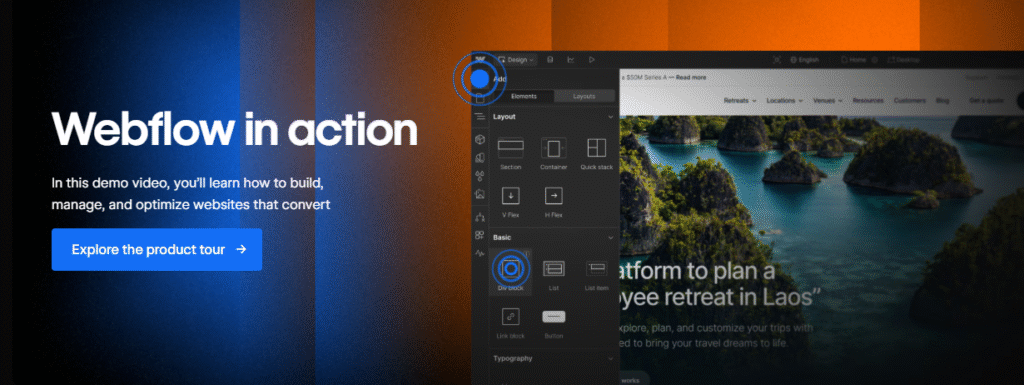
Designers love Webflow because they can bring their vision to life exactly as intended, while businesses benefit from faster turnaround times and better performance.
In short, Webflow isn’t just a website builder it’s a platform built for modern teams who want to create, manage, and scale websites with speed and confidence.
Pros & Cons of Webflow 🎯
| Pros 👍 | Cons 👎 |
|---|---|
| Complete design freedom without relying on developers | Steeper learning curve compared to basic site builders |
| Combines design, CMS, hosting, and optimization in one platform | Pricing can feel high for small personal projects |
| Ideal for marketers and teams to move fast without engineering help | Ecommerce features are limited compared to dedicated platforms |
| Built-in SEO, performance, and scalability tools | |
| AI-powered tools speed up site creation and optimization | |
| Reliable hosting with strong security and uptime | |
| Scales easily from startups to enterprise websites |
Who Should Use Webflow? ✅
Webflow is a great fit for anyone who wants to build professional, high-performing websites without writing code. If you’re a designer who wants full creative control, Webflow lets you turn your vision into a live site exactly how you imagined it, without needing a developer.

Marketers and content teams love Webflow because it lets them make quick changes, publish new pages, and manage content through the built-in CMS all without waiting on engineering support. It’s fast, flexible, and designed for teams that need to move quickly.
For startups and agencies, Webflow helps reduce costs by combining design, development, CMS, and hosting into one platform. You can build and scale client sites, test landing pages, or launch marketing campaigns all in the same place.

Enterprise teams benefit from Webflow’s scalability, security, and collaboration features, making it easy to manage large-scale websites while staying on brand and on schedule.
I also tried Webflow myself, and I found it incredibly intuitive and powerful. Whether you’re a solo creator or part of a growing team, if you want speed, control, and creativity, Webflow is built for you.
Webflow vs WordPress vs Wix Studio 💪
| Feature | Webflow | WordPress | Wix Studio |
|---|---|---|---|
| Design Flexibility | High – pixel-perfect control with visual designer | Moderate – relies on themes or custom code | High – drag-and-drop with flexible layouts |
| Ease of Use | Moderate – best for designers or power users | Beginner-friendly, but can get complex with plugins | Very easy – ideal for non-technical users |
| Built-in CMS | Yes – native CMS for dynamic content | Yes – powerful, plugin-driven CMS | Yes – integrated CMS with flexible design |
| Performance & Hosting | Fast – includes hosting, SSL, and CDN | Depends on hosting provider and setup | Good – managed hosting and security |
| SEO Tools | Built-in SEO and AEO optimization | Strong – with plugins like Yoast | Good – basic tools built-in |
| Ecommerce | Yes – basic ecommerce features built-in | Yes – highly customizable with WooCommerce | Yes – drag-and-drop store builder |
| Customization & Plugins | Limited plugins, but full visual control | Extensive plugin ecosystem | Good – app marketplace available |
| Best For | Designers, marketers, startups, enterprises | Bloggers, developers, businesses of all sizes | Small businesses, agencies, creatives |
Customer Reviews & Testimonials 🙋🏻♂️

Leo D.
⭐⭐⭐⭐⭐
Webflow helped our team launch a full site in days, not weeks. Total game-changer for our startup workflow!

Ethans B.
⭐⭐⭐⭐⭐
The visual design control is amazing. Took a bit to learn, but now I wouldn’t build websites any other way.

Sandra Taylor
⭐⭐⭐⭐
Webflow gives us speed and flexibility. It’s helped us reduce dev handoffs and stay on brand every time.
Conclusion: Is Webflow Really Worth It? 🏁
Yes, absolutely. Webflow is one of the most powerful and flexible no-code platforms available today.
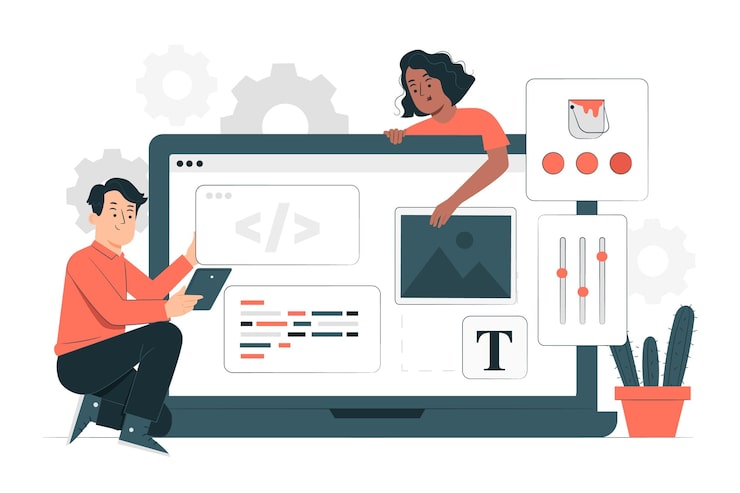
It gives designers, marketers, and businesses full control to build custom websites without relying on developers or sacrificing performance.
From stunning visual design and a built-in CMS to AI tools, hosting, and SEO optimization, Webflow brings everything together in one streamlined platform.
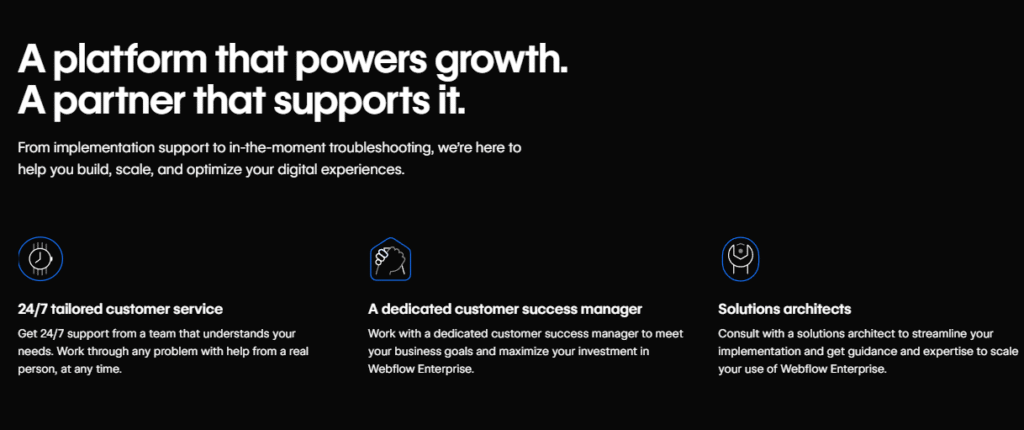
Whether you’re building a personal portfolio or managing an enterprise-level site, it scales with your needs.
My verdict is this: If you want to move fast, stay in control, and deliver professional web experiences without getting stuck in code or plugins, Webflow is 100% worth it.
Must Read:
FAQs 🔍
Answer: Yes, but only static sites (HTML, CSS, JS). CMS and eCommerce features won’t work outside Webflow’s hosting.
Answer: Not natively. You’ll need third-party tools like Weglot or custom solutions for language switching.
Answer: Yes, Webflow has a free plan, but it includes a Webflow.io subdomain, Webflow branding, and limited features.
Answer: Yes. With the CMS plan, you can create custom blog layouts and manage posts easily. But it lacks native commenting — you’ll need to use third-party plugins.
Answer: No. Webflow is a browser-based platform and currently doesn’t offer a mobile app.